
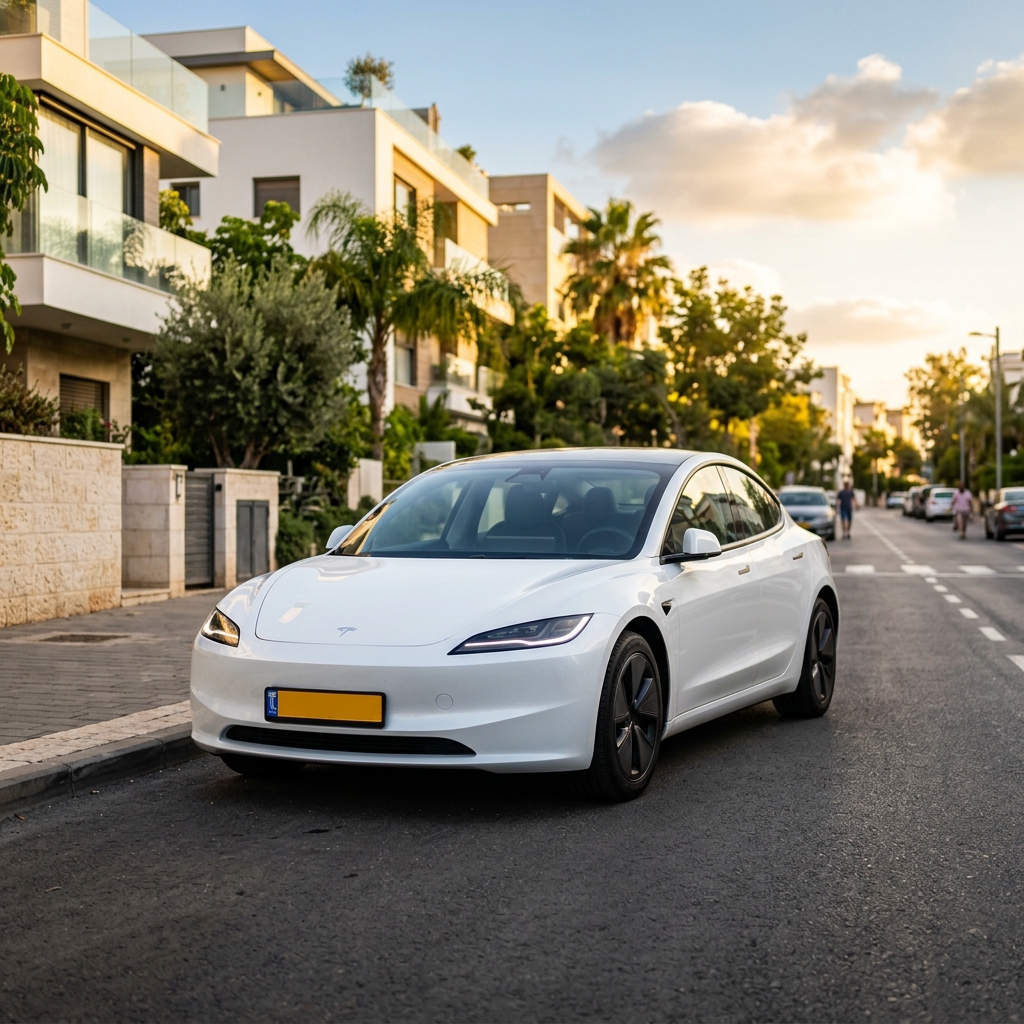
Taking delivery of a new Tesla is exciting, but it is also easy to discover that a few useful accessories take weeks to arrive. I recommend ordering the basics before delivery so the car is protected from day one, then adding the optional convenience items once you know what you actually need.
This checklist covers 15 popular accessories for Tesla owners in the US, UK and Europe. Always check the exact model, body style, trim and model year before ordering. Tesla updates interior designs and dimensions regularly, and an accessory made for one version of a Model 3 or Model Y may not fit another.
15 useful accessories for a new Tesla
Protect the screens
- Matte TPU screen protector — Helps protect the central touchscreen from fingerprints, light scratches and glare. A matte finish can make the screen easier to read in bright conditions, although it may slightly soften the image.
- Driver display protector — Worth considering on Tesla models equipped with a screen behind the steering wheel. Check whether the protector is made for your exact display shape rather than assuming all Tesla screens are interchangeable.
Floors and storage
- 3D all-weather floor mats — Raised-edge mats catch mud, rainwater, snow and spilled drinks far better than the standard carpet mats. Choose a complete set made specifically for your model and model year.
- Center-console tray — Creates a second level of storage and keeps small items from disappearing into the bottom of the console. It is particularly handy for sunglasses, coins, charging cables and parking cards.
- Trunk organizer — Stops groceries, cleaning supplies and emergency equipment from rolling around the cargo area. A folding organizer is easiest to remove when you need the full trunk.
- Frunk liner — Protects the plastic in the front trunk from dirt, wet bags and scuffs. A removable, washable liner is more practical than a permanently fixed covering.
Sun and heat protection
- Windshield sunshade — One of the most useful first-day purchases. It reduces heat buildup while the car is parked and helps protect the dashboard and interior materials. Measure or select the shade for the correct Tesla model; a generic shade may not cover the glass properly.
- Panoramic-roof sunshade — Useful if you park outside in a warm or sunny climate. It reduces heat and glare through the glass roof and can make the cabin more comfortable, especially for rear passengers. Check whether the product is a rigid insert or a fabric shade, and make sure it does not interfere with the roof seals.
Exterior protection
- Door-edge or door-impact guards — Soft guards can reduce paint damage from careless parking next to you or from opening a door near a wall. They are most useful if they fit neatly and do not look likely to catch on clothing or car-wash equipment.
- Rear-bumper loading protector — Protects the painted bumper when you load luggage, bicycles, strollers or bulky boxes. Look for a product that covers the top surface without blocking sensors, trim or the tailgate.
- Door-handle cup protectors — These sit behind the exterior door handles and help prevent scratches from fingernails, rings and keys. Transparent film is less noticeable; rigid covers are easier to install but may be more visible.
- Charge-port cover — A removable cover can help keep dust, dirt and moisture away from the charge-port area while the car is parked. It should never be fitted while the connector is plugged in, and it must not obstruct the charge-port door or latch.
Technology and everyday convenience
- USB-C hub with SSD — Gives you additional USB-C storage and can provide a tidy way to manage dashcam and Sentry Mode footage. Use a reputable SSD and confirm that the hub is compatible with your Tesla’s USB ports. Format and test the drive before relying on it for recordings.
- Phone mount — A secure mount is useful for navigation, music controls or viewing information when the car is parked. It is not required for Autopilot or Full Self-Driving, and the driver should never handle or watch a phone while driving. Choose a mount designed for your dashboard or vent layout and make sure it does not block visibility, airbags or controls.
- Qi2 wireless charger — A Qi2-compatible charging pad can be convenient for compatible phones. Check the fit inside your center console and make sure the phone does not overheat or slide around while driving.
What to order first
Delivery times from online marketplaces vary, so allow several weeks rather than assuming an accessory will arrive immediately. If your delivery date is approaching, prioritize protection over convenience.
- First: floor mats, a screen protector and a windshield sunshade. These are the items most likely to be useful immediately and the ones you will regret not having when the first rainy or sunny day arrives.
- Next: the trunk organizer, frunk liner, roof shade and exterior protectors. These can wait a little longer, but they are still useful during the first few weeks of ownership.
- Last: the USB-C hub, phone mount, wireless charger and other technology accessories. You may find that the standard setup already meets your needs.
Ordering several items from the same seller can sometimes simplify shipping, but do not sacrifice fit or quality just to combine an order. A correctly fitted accessory is more important than saving one delivery.
Buy by priority, not by hype
You do not need every accessory on this list. For many owners, five to seven items cover most daily needs: floor mats, a screen protector, a windshield shade, a console tray, a trunk organizer and suitable storage for dashcam footage. The rest depends on your climate, parking situation, passengers and how often you carry messy or bulky items.
A simple way to organize your shopping list is to divide it into four groups:
- Protection: screen protector, floor mats, sunshades and exterior guards.
- Convenience: console tray, trunk organizer, frunk liner and phone mount.
- Technology: USB-C hub, SSD and wireless charger.
- Cleaning and upkeep: microfiber cloths and a gentle interior cleaner suitable for your upholstery and trim.
How to buy safely online
- Confirm the exact Tesla model, body style, refresh and model year in the product description. Terms such as “Model 3,” “Highland,” “Model Y” or “Juniper” are not interchangeable.
- Read recent reviews and look for customer photos showing the item installed in the same vehicle.
- Prefer sellers with a strong rating, substantial order history and clear dimensions or fitment information.
- Check the return policy before buying, particularly for rigid liners, shades and exterior trim.
- Save a screenshot of the product description, selected variant and fitment details in case the listing changes.
- Use a payment method with buyer protection, and inspect every item before installing it.
- Do not install anything that blocks cameras, sensors, airbags, pedals, seat belts, charge-port movement or the driver’s view.
Frequently asked questions
What should I order before taking delivery?
Start with a screen protector, model-specific floor mats and a windshield sunshade. If shipping is slow, order those before the less essential storage and technology accessories.
How many accessories are genuinely essential?
Usually five to seven are enough for most owners. Floor protection, screen protection, sun protection and a little extra storage provide the biggest everyday benefit.
Should I buy accessories before I know the car’s exact configuration?
Only when you have confirmed the model, body style, interior and relevant production version. If your order could change, wait before buying items with a precise molded fit.
Can I install all of these on delivery day?
Most can be installed at home, but clean the surfaces first and follow the instructions carefully. Screen protectors and adhesive exterior products are easiest to fit in a dust-free, moderate-temperature environment.
Final delivery-day check
Before fitting accessories, inspect the car and make sure everything operates normally. Test the doors, windows, seats, screens, cameras, charge port and storage compartments. Then install the items that protect high-contact surfaces first. This approach keeps the car tidy and protected without filling it with accessories you may never use.